

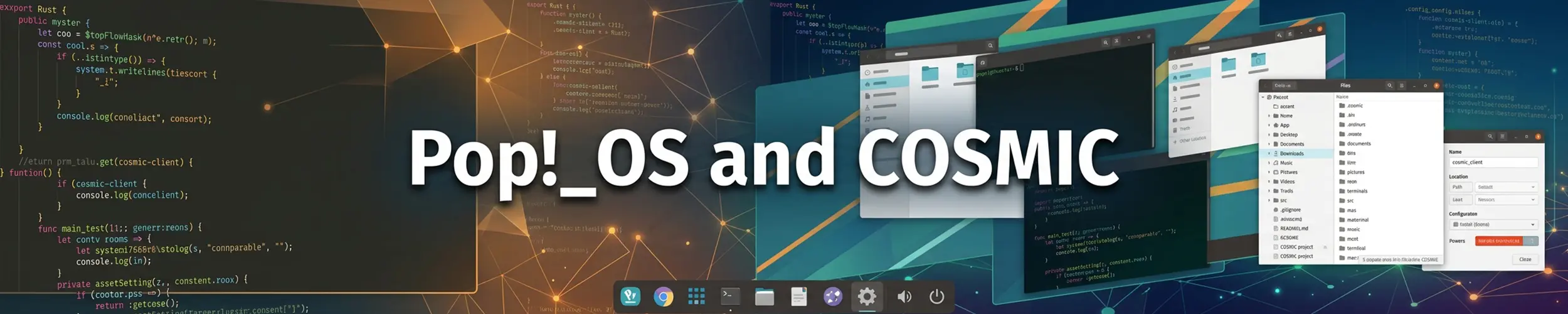
Pop!_OS is made by System76, a company that sells Linux laptops and workstations, and for years its appeal was practical rather than philosophical: it was Ubuntu with the awkward parts pre-solved, most notably an installer image with the NVIDIA driver already on it. Then System76 spent four years writing an entire desktop environment, and in December 2025 both shipped together.
Where it stands now
| Current release | Pop!_OS 24.04 LTS, December 2025 |
| Base | Ubuntu 24.04 LTS |
| Desktop | COSMIC — 1.0 shipped December 2025, 1.1 in June 2026 |
| Built with | Rust and the Iced toolkit; Wayland only |
| Images | Three: no proprietary drivers, NVIDIA, and Raspberry Pi 4 |
The long gap between Pop releases had a cause. Ubuntu 24.04 came out in April 2024; Pop’s version of it arrived twenty months later because the desktop on top was being written from nothing. That is unusual behaviour for a distribution, and it explains both the delay and what you get now.
What COSMIC actually is
Not a GNOME theme, and not a fork. COSMIC is a new desktop written in Rust — compositor, panel, launcher, settings, file manager, terminal, text editor — using System76’s own Iced-based toolkit. It runs on Wayland and does not support running as an X11 session at all.
Three things stand out in use:
- Tiling is built in, and optional. Toggle it per workspace: windows arrange themselves and you move between them from the keyboard, without installing an extension or adopting a separate window manager. This is the feature people stay for.
- The panel and dock are genuinely configurable — position, contents, applets — through settings rather than through third-party extensions that break on every upgrade.
- The launcher searches everything, including running windows and workspaces, and is driven entirely from the keyboard.
Version 1.1, released in June 2026, added a native system monitor, tiling exceptions for applications that fight it, and named workspaces. System76 has said it intends to increment the minor version regularly, which is a more reassuring signal than the four-year silence that preceded 1.0.
The NVIDIA image, which is the real feature
Pop!_OS publishes a separate ISO with the proprietary NVIDIA driver already installed. You boot it, install, and the graphics work — no third-party repository, no blacklisting nouveau, no black screen after the first reboot, no reading a forum thread from 2019.
It sounds mundane. It is the single most common reason people end up on Pop!_OS, because the NVIDIA experience on other distributions ranges from “a few extra commands” to “an evening”. On a System76 laptop you also get system76-power for switching between integrated, hybrid and discrete graphics, and firmware updates delivered through the system.
Two other conveniences worth knowing: the installer creates a recovery partition, so a broken system can be repaired or reinstalled without hunting for a USB stick, and full-disk encryption is offered as a normal choice rather than something you have to plan a partition layout around.
Ubuntu, minus the parts people object to
Underneath it is Ubuntu LTS: the same packages, the same apt, the same five years of security updates, and answers to almost any question findable by searching for Ubuntu. What Pop leaves out is snap. Applications come from apt or, in the Pop!_Shop, from Flatpak — which puts it in the same camp as Linux Mint on the argument that has followed Ubuntu around for a decade.
The flip side of an LTS base is the usual one: packages are the age of Ubuntu 24.04, not the age of the desktop sitting on top of them. If you want current versions of development toolchains you will be adding Flatpaks, containers or third-party repositories — with the usual care about what a third-party repository is allowed to replace.
You do not need Pop!_OS to run COSMIC
COSMIC is packaged well beyond Pop!_OS now. Fedora has an official COSMIC spin and an atomic variant; Arch, openSUSE Tumbleweed and Leap, and CachyOS all package it. If the desktop is what attracts you but you are happy where you are, install it there and keep your distribution. Choose Pop!_OS for the NVIDIA image, the recovery partition and System76 hardware support — not because it is the only way to see COSMIC.
The honest reservations
- A 1.x desktop is a 1.x desktop. It shipped stable and it is being maintained, but GNOME and KDE have had twenty years of edge cases reported and fixed. You will find rough corners, and the answer will sometimes be “wait for 1.2”.
- No extension ecosystem. If your GNOME setup depends on six extensions, none of them exist here. Some of what they did is built in; some is not.
- GTK and Qt applications look like guests. Everything runs, and most things look slightly foreign next to native COSMIC applications. This bothers some people a great deal and others not at all.
- Wayland only. That is the right long-term call and it is not free today — a handful of screen-recording, remote-access and accessibility tools still assume X11.
- System76 is a small company. The desktop, the distribution and the hardware all depend on one firm’s continued interest. That is a real risk to weigh, and an easier one to accept now that other distributions ship COSMIC too.
Who should run Pop!_OS
- Anyone with an NVIDIA card who would rather not spend an evening on drivers.
- People who own System76 hardware — firmware, power management and graphics switching are supported by the same people who sold you the machine.
- Anyone who wants keyboard-driven tiling without adopting i3 or Sway and learning a configuration file.
- People who like Ubuntu’s foundations and its five-year support window, but not snap.
Who should not
- Anyone who needs a desktop that never surprises them. A mature GNOME or KDE on Fedora, or Cinnamon on Linux Mint, is the safer choice for a machine you cannot afford to fiddle with.
- Anyone who wants current packages. An LTS base is two years old and will be five by the end. Run Fedora or Arch if that matters.
- Servers. Pop!_OS is a desktop distribution and nothing about it is aimed at a server. Use Debian or plain Ubuntu Server.
- Anyone who only wants the desktop. Install COSMIC on the distribution you already run, per the note above.
Related
- Ubuntu — what Pop!_OS is built on, including the snap argument
- Linux Mint — the other Ubuntu derivative that leaves snap out
- Fedora — newer packages, and its own COSMIC spin
- How Packages Work — before you add a third-party repository to an LTS