

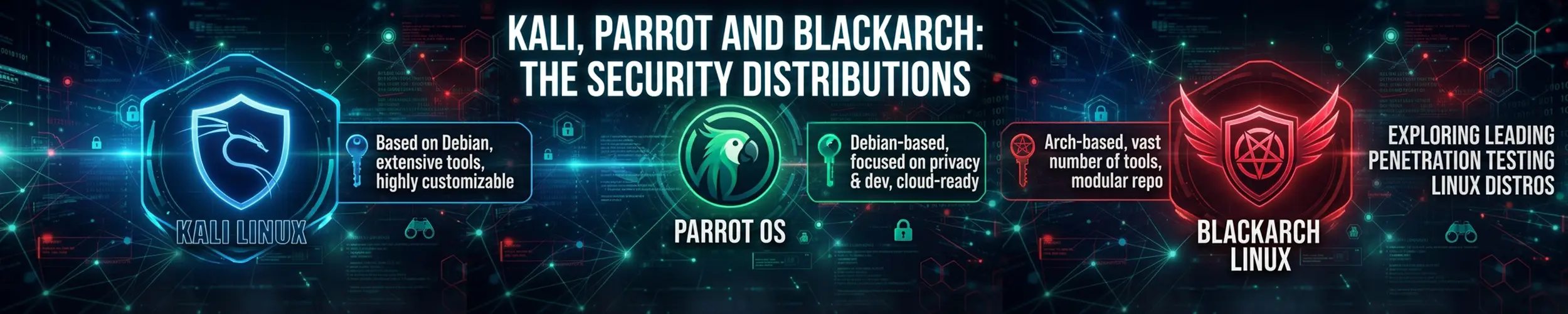
A security distribution is a normal Linux system with several hundred tools preinstalled and pre-configured, plus a kernel patched for things like wireless injection. That is the whole of it. There is nothing in Kali that makes you a penetration tester, and nothing you cannot install on Debian yourself — what you are buying is that somebody already did the packaging, the dependency wrangling and the driver work.
Run these tools only against systems you own, or hold written, scoped authorisation to test. In the United States, the Computer Fraud and Abuse Act makes exceeding authorised access an offence in itself — a scan of a machine you are allowed to use, but not to probe, can qualify. In the United Kingdom, the Computer Misuse Act goes further: section 3A makes it an offence to obtain or supply a tool intending it be used in an offence, and “article” explicitly covers software. Curiosity is not a defence, and neither is the fact that nothing broke. Build a lab of your own virtual machines, or use a platform that gives you targets and permission in writing.
Kali Linux
| Current release | 2026.2, June 2026 |
| Base | Debian Testing |
| Model | Rolling, with roughly quarterly numbered snapshots |
| Default desktop | Xfce (GNOME and KDE available) |
| Default user | Non-root since 2020 — kali/kali on live and prebuilt images |
Kali tracks Debian Testing and pulls from Unstable where it needs to, which means packages are current and the system moves constantly. Four branches exist, and knowing which one you are on explains most surprises:
| Branch | What it is for |
|---|---|
kali-rolling | The default. Continuously updated, behind an automated installability check. |
kali-last-snapshot | Frozen at the last numbered release. What to use when you want the machine to stop changing under you. |
kali-bleeding-edge | Tools built from upstream git. |
kali-experimental | Packages being worked on. Not for anything you rely on. |
If you are doing an engagement with a deadline, kali-last-snapshot is the branch nobody tells beginners about and the one that stops a tool changing behaviour halfway through the week.
One thing to note in current releases: the old /etc/apt/sources.list has been replaced by /etc/apt/sources.list.d/kali.sources in the newer deb822 format. Both work during the transition, but instructions written before 2026 will point you at the wrong file.
Why it is not a daily driver
This is not an opinion the community holds against the project — it is the project’s own documentation, which states plainly that Kali is aimed at professionals and is not recommended for anyone unfamiliar with Linux or looking for a general-purpose desktop. The reasons are concrete:
- Debian Testing is not Debian Stable. There is no stable-release security promise underneath you, and a package can be reorganised at any time. Fine on a tool you rebuild monthly; not what you want holding your accounts and your photos.
- The tools are configured for offence. Permissive defaults are correct in a lab and wrong on a laptop that joins café wifi.
- It teaches you Kali, not Linux. Everything is preinstalled, so you never learn what any of it depends on — and then a client hands you a bare Ubuntu box and you are stuck. Installing the same tools on Debian yourself is the better education by a wide margin.
- It is a poor place to keep personal data. A machine you use to run untrusted binaries and hostile-by-design tooling should not also hold your email.
The pattern that works: keep a normal distribution as your daily system, and run Kali in a virtual machine, a container, or from a live USB when you need it. The project publishes prebuilt images for VMware, VirtualBox, Hyper-V, QEMU and Vagrant precisely because this is how most people should use it.
The form factors that make it interesting
- WSL, with Win-KeX. Kali on Windows through WSL2, and Win-KeX gives it a desktop — windowed, seamless (Kali applications on the Windows desktop) or over RDP. For anyone whose main machine runs Windows, this is the lowest-friction way in.
- NetHunter, the Android platform, comes in three tiers. Rootless needs no root and gives you the tools, the app store and a desktop session, but no wireless injection or HID attacks. Lite is rooted without a custom kernel. Full NetHunter needs a rooted device with a custom kernel and is the only tier with injection, HID attacks and the Bluetooth and CAN toolkits.
- ARM and cloud images for Raspberry Pi and single-board machines, and for AWS, Azure and the major providers.
- Kali Purple, the defensive counterpart — detection and response tooling rather than offensive.
Parrot OS
Parrot’s structural difference from Kali is one line: it is built on Debian Stable rather than Testing. That single choice makes it calmer, slightly behind on tool versions, and considerably more reasonable to leave installed on a machine.
The current release is 7.3, from June 2026, defaulting to KDE Plasma. It ships in several editions, and the existence of the second one is the point: Security carries the full toolkit, Home is a general-purpose desktop with privacy tooling and no offensive tools, and there are HTB and Raspberry Pi variants besides. Parrot is willing to be a daily driver in a way Kali explicitly is not.
Recent versions also rebuild packages for newer CPU baselines, which the project claims gives meaningful speed-ups on compute-heavy work like password cracking. Treat vendor benchmark claims with the usual scepticism, but the direction is real.
BlackArch
BlackArch is best understood not as a distribution but as a repository you add to an existing Arch install. It carries well over 2,800 tools — by some distance the largest collection of the three — grouped into categories you install a slice at a time.
# after adding the repository with the project's bootstrap script
sudo pacman -Syu
sudo pacman -S blackarch-scanner       # one category
sudo pacman -Sg | grep blackarch       # list the categories
pacman -Sg blackarch-webapp # what is in oneUse the repository, not the ISOs. The downloadable images have not been refreshed in years even though the package repository is actively maintained — installing from a stale ISO gives you an Arch system that is enormously out of date before you start. Install Arch normally, add the repository, install the categories you need.
The trade is Arch’s: current everything, no hand-holding, and you maintain it. If pacman -Syu and the AUR are already part of your week, BlackArch adds tools without adding a machine. If they are not, this is the wrong door.
Choosing between them
| If you want | Use |
|---|---|
| The industry default, and documentation for everything | Kali, in a VM |
| A machine you can also live on | Parrot Home, or Parrot Security |
| The largest tool collection, on a system you already run | BlackArch’s repository on Arch |
| To actually learn how the tools work | Debian, installing them yourself |
| Defensive rather than offensive tooling | Kali Purple, or Security Onion |
Who should run one
- Penetration testers and red teamers with scoped, written authorisation — the audience these are built for.
- Anyone studying for a practical security certification, or working through a lab platform, where the tool list matches the syllabus.
- Defenders who want to understand what an attack looks like from the other side, in a lab they own.
- Forensics and incident response work, where a live USB full of tools that does not touch the host disk is exactly the right instrument.
Who should not
- Anyone learning Linux. Kali assumes you already know it. Start with Linux Mint or Debian and come back when the terminal is comfortable.
- Anyone who wants it because it looks impressive. The dragon wallpaper does not confer ability, and running a tool you do not understand against a target you do not own is how people acquire a criminal record rather than a career.
- Anyone who needs one machine for everything. Use a normal distribution and a virtual machine. If you truly want one system, Parrot Home is the honest answer.
- Servers, of any kind. These are workstation distributions. Harden a normal server instead.
Related
- Debian — what Kali and Parrot are both built on, and the better place to learn
- Arch Linux — what BlackArch’s repository attaches to
- Securing a New Server — the defensive side of the same knowledge
- Linux Firewalls — what you are testing when you scan a host