

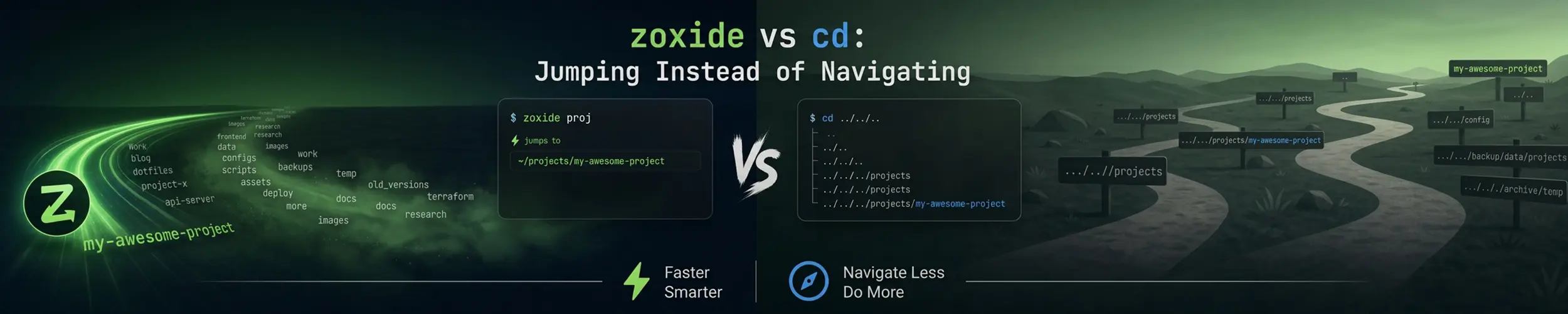
You do not visit many directories. You visit the same eight or ten, over and over, and you type a path to each one every time. zoxide notices which ones you actually use and lets you jump to them by fragment — z proj instead of cd ~/work/clients/acme/project — from anywhere on the system.
The short verdict. Install zoxide as z and leave cd alone. It is a small tool that removes a real irritation, it costs one line in your shell config, and after a week you will not want to work without it. Two things to know before you start: it is useless on a fresh machine until it has watched you work for a few days, and it must never appear in a script. cd is not going anywhere.
What it changes
cd | zoxide | |
|---|---|---|
| Argument | A path, relative or absolute | A fragment of a path you have visited |
| Starting point | Where you are now | Anywhere — position is irrelevant |
| Knowledge | None | A ranked database of your history |
| Works in scripts | Yes | No — and must not be used in one |
| On a new machine | Works immediately | Knows nothing until you have used it |
| Built in | Yes, it is a shell builtin | No, needs installing and a shell hook |
The ranking is by “frecency” — frequency combined with recency — so a directory you were in this morning outranks one you used twice last year. Give it several fragments and it narrows: z acme proj matches a path containing both, in order.
Installing it
sudo apt install zoxide       # Debian, Ubuntu
sudo dnf install zoxide       # Fedora, RHEL family
sudo pacman -S zoxide         # Arch
cargo install zoxide --locked # anywhere, if your repo's version is oldInstalling the package does nothing on its own. zoxide has to hook into your shell to see the directories you visit, and that is a line in your startup file — which must come after anything else that touches your prompt or cd, or it will be overwritten.
# ~/.bashrc  (last line)
eval "$(zoxide init bash)"

# ~/.zshrc
eval "$(zoxide init zsh)"

# ~/.config/fish/config.fish
zoxide init fish | sourceOpen a new shell afterwards — an eval added to a file does nothing to the session you added it in. If z reports “command not found”, the init line either did not run or ran too early; see What a Shell Actually Is for which file runs when.
Two naming clashes worth checking. If you already use the older z shell script, or oh-my-zsh’s z plugin, disable it first — two things defining z produce baffling behaviour. And zoxide init bash --cmd cd replaces cd itself with the smart version. It is tempting and it works, but it means your muscle memory now depends on a tool that is not installed on the servers you log into. Keeping z separate is the safer habit.
Translating what you already do
| You want | Now |
|---|---|
| Go to a project you use often | z acme |
| Narrow between two similar matches | z acme api |
| Pick from all matches interactively | zi acme (needs fzf) |
| Go home | z with no argument |
| Go back to the previous directory | z -, exactly like cd - |
| Move to a subdirectory of where you are | cd src — still the right tool |
| See what it would pick, without moving | zoxide query acme |
| See the whole ranked database | zoxide query -ls |
The last two matter more than they look. When z takes you somewhere unexpected, zoxide query -ls shows the scores and explains why in one line.
Where cd is still the right answer
- Every script, ever.
zresolves against one user’s history on one machine. A script using it is not reproducible and will one day cd somewhere unintended and then runrm. Scripts use absolute paths. - Directories you have never visited. zoxide only knows where you have been. New checkouts, a path from a log file, anything under
/etcor/varyou rarely touch — type the path. - Moving down one level.
cd srcis shorter than anything zoxide offers, and tab completion is exact. - Anywhere precision matters. Before a destructive command,
cdto the full path and look at your prompt. A fuzzy jump followed byrm -rf *is a bad combination. - On someone else’s machine. It will not be installed, and your fingers should still work.
Configuration worth setting
# before the eval line
export _ZO_ECHO=1                       # print the directory it jumped to
export _ZO_EXCLUDE_DIRS="$HOME:/tmp/*"  # never learn these
export _ZO_RESOLVE_SYMLINKS=1 # store the real path, not the link_ZO_ECHO=1 is the one to set on day one. Being told where you landed removes the entire class of “I thought I was somewhere else” mistakes, at the cost of one line of output.
Maintenance is occasional and worth knowing about, because the database accumulates directories you deleted months ago:
zoxide remove /old/path        # forget one entry
zoxide edit                    # interactive cleanup
zoxide add /path/to/dir        # teach it somewhere without visiting
zoxide import --from=z ~/.z # bring history over from the old z scriptThe database is a single file under ~/.local/share/zoxide/. It is per-machine and per-user; nothing syncs it, and copying it to a server whose paths differ produces nonsense. Treat it as disposable.
Quick reference
z foo            # jump to the best match for "foo"
z foo bar        # match both fragments, in order
z -              # previous directory
zi foo           # choose interactively with fzf
zoxide query -ls # the ranked database, with scores
zoxide edit # prune itRelated
- fzf — what
ziuses, and worth having regardless - Shell History — the same idea applied to commands rather than directories
- What a Shell Actually Is — where the init line goes and why order matters
- Linux Command Line Basics — paths,
cdand moving around