

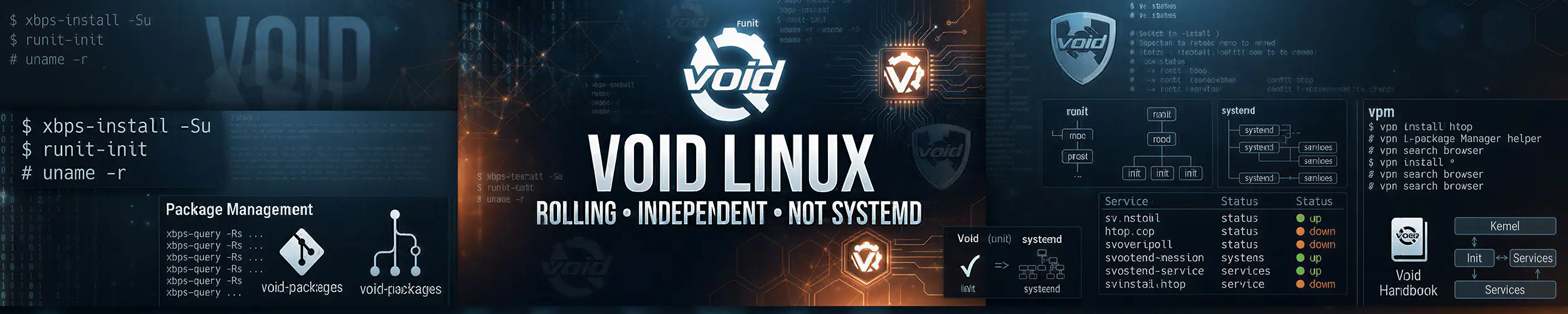
Void is one of the few distributions that is not a derivative of anything. It has its own package manager, its own build system, its own init, and no upstream to inherit decisions from. That independence is the point, and it explains both what is good about it and what is thin.
What makes it different
| Model | Rolling release. No versions, no upgrade events |
| Init | runit — not systemd, not OpenRC |
| Packages | XBPS, written for Void |
| C library | Your choice at install: glibc or musl |
| Based on | Nothing. Independent |
Rolling but conservative is the character of it: packages arrive when they are ready rather than the day upstream tags a release, and the repository is small enough that the maintainers can actually see it. Void feels closer to a tidy Arch than to anything else, with fewer packages and rather less drama.
runit, which takes about ten minutes to learn
Every service is a directory in /etc/sv/ containing a small run script. Enabling one is a symlink. There is no unit file syntax, no dependency graph, no targets — the entire system is directories and symlinks, and it is genuinely refreshing to be able to hold all of it in your head.
ln -s /etc/sv/sshd /var/service/       # enable, and start it now
rm /var/service/sshd                   # disable
sv status sshd
sv up sshd  /  sv down sshd  /  sv restart sshd
touch /etc/sv/sshd/down                # linked, but do not start at boot
sv status /var/service/* # everything, at a glanceA supervised service that dies is restarted automatically, without you configuring anything — that behaviour is the default rather than a directive. Logging is done by a separate log service beside each one, writing plain files, so there is no journal and no journalctl; you read logs with grep and tail as people did before.
What you give up is real. Socket activation, timers, per-service resource limits, cgroup accounting, ordering guarantees, OnFailure= — all the things covered in systemd Beyond Services — are simply absent. Some you will not miss. Others you will rebuild by hand with cron and shell scripts.
XBPS
sudo xbps-install -Su               # update everything
sudo xbps-install -S firefox        # install
sudo xbps-remove firefox
sudo xbps-remove -o                 # remove orphans
xbps-query -Rs keyword              # search the repositories
xbps-query -f package               # what files it installed
sudo xbps-pkgdb -a # check and repair the package databaseIt is fast, and it has one habit worth knowing: XBPS updates itself in a separate transaction, so when a new xbps is available the first -Su updates only that, and you run it a second time for everything else. This looks like the update having done nothing. It has not.
For anything not packaged, xbps-src builds from the void-packages tree — closer to Gentoo’s ebuilds than to Arch’s AUR, in that the templates are the project’s own rather than user submissions, and there is no separate unofficial repository to trust.
git clone --depth 1 https://github.com/void-linux/void-packages
cd void-packages && ./xbps-src binary-bootstrap
./xbps-src pkg mypackage
sudo xbps-install --repository hostdir/binpkgs mypackageglibc or musl
Void is unusual in offering complete, separately built repositories for both C libraries — you choose at install by picking the right image, and it is not something you change later. The glibc build behaves like any other distribution. The musl build is smaller and stricter, with the same consequences described in the Alpine page: parallel DNS resolution, different search-domain handling, and prebuilt glibc binaries that will not run.
Void’s own documentation is refreshingly direct about the limits. On the musl side there is no multilib repository, some software needs patching because it relies on glibc extensions, and — the one that decides it for a lot of people — the proprietary NVIDIA drivers do not support musl. Binary packages are also not built for 32-bit musl.
Unless you specifically want musl, install the glibc edition. The musl one is for people who have a reason.
The install images are old
Void’s ISOs are dated snapshots refreshed roughly once a year, and the current set is from February 2025. That is not a sign the distribution is dead — the package repository is being rebuilt continuously, with packages dated within the last day — but it does mean a fresh install pulls something like eighteen months of updates on its first xbps-install -Su. Expect that, do it before configuring anything, and reboot afterwards. Image production is the visibly under-resourced part of an otherwise healthy project.
The repository is small
Roughly seven thousand packages — comparable to Arch’s official repositories, and around a quarter of what Debian ships. For a desktop and the common server software that is plenty. For anything specialised it is the thing you will hit first, and the answer is xbps-src, a Flatpak, or a container.
Check before you commit. Search for the four or five programs you could not work without; if two of them are missing, that is your answer and it took ninety seconds to find.
Who should run Void
- People who want a rolling system without systemd, and would rather have that supported by default than assembled themselves.
- Anyone who finds runit’s simplicity genuinely appealing — and it is appealing, if what you run is a handful of services that either work or restart.
- Older or smaller hardware, where a small default install and a light init add up.
- People who like the idea of a distribution that answers to nobody upstream.
Who should not
- Anyone who needs a large package selection. Seven thousand is a real ceiling. Debian or Arch with the AUR will have it.
- Anyone running vendor or proprietary software. Support is written against Ubuntu and RHEL; on Void you are on your own, and on musl-Void more so.
- Servers you must be able to hand over. Every runbook, every monitoring agent and every colleague assumes systemd. Being different has a staffing cost.
- Anyone new to Linux. The documentation is decent but assumes competence, and searching for an error will return systemd answers that do not apply. Start with Mint or Debian.
- Anyone who wants an installer that has seen this decade. It is a text installer and it works; it is not friendly.
Related
- Arch Linux — the other independent rolling distribution, with far more packages
- Alpine Linux — the other musl distribution, and what that choice actually costs
- systemd Beyond Services — what runit does not do, so you know what you are declining
- How Packages Work — repositories, signing and dependency resolution in general