

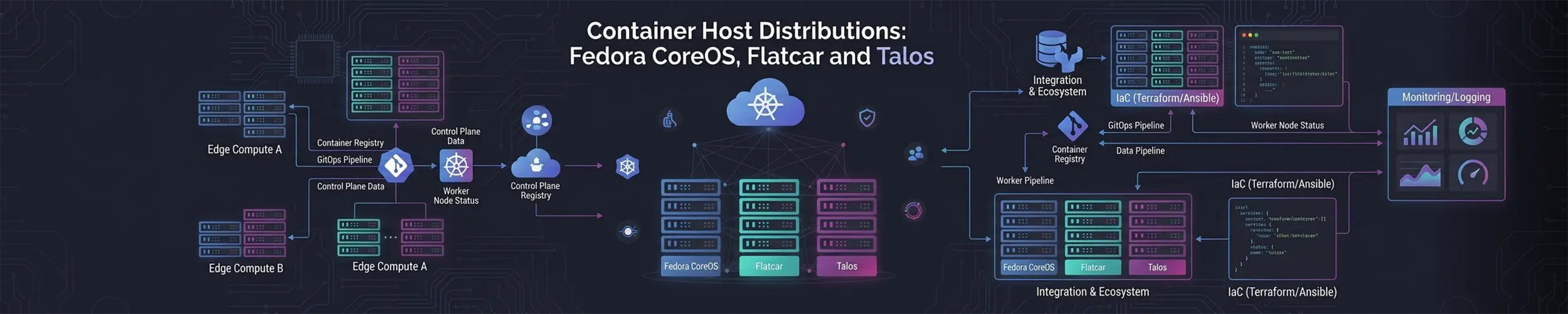
A normal server distribution assumes you will log in and configure it. These do not. They assume the machine is disposable, that everything you care about runs in a container, and that the operating system itself should be a fixed image that gets replaced rather than modified.
This is the server side of the same idea as the immutable desktop distributions. The difference is what they optimise for: a desktop still expects a person at the keyboard installing applications, whereas these expect nobody at the keyboard at all.
The shared idea
Three properties, common to all of them:
- The root filesystem is read-only and comes from an image. You do not install packages onto it.
- Configuration happens at first boot, from a file you supply, not by logging in afterwards.
- Updates replace the image and reboot, automatically, with the previous version still on disk to roll back to.
What you get in exchange is that every machine is genuinely identical, and that “what is installed on this box” is answerable from a file in git rather than by looking.
The cost is paid at the moment something goes wrong. On a normal server, a problem at 3am is met with SSH, a package install, an edited config file and a restart. On these, the machine you are logged into cannot be changed in most of the ways you are used to — and on Talos you cannot log in at all. The fix has to be made in the configuration and the machine re-provisioned. That is a better process and a slower incident, and whether the trade is worth it depends entirely on whether you have somewhere else to run the workload while you do it.
The four of them
| Base | Configured by | Aimed at | |
|---|---|---|---|
| Fedora CoreOS | Fedora | Ignition (a JSON file) | Containers generally; Kubernetes if you want |
| Flatcar Container Linux | Independent, Gentoo-derived | Ignition, or Butane | The same, with longer-lived channels |
| openSUSE MicroOS | openSUSE Tumbleweed | Combustion / Ignition | Single hosts and small fleets |
| Talos Linux | Independent, purpose-built | A YAML machine config, over an API | Kubernetes, and essentially nothing else |
Fedora CoreOS
The direct descendant of the original CoreOS Container Linux, now a Fedora project. It runs three streams — stable, testing and next — with changes promoted along that chain; next is where the rebase onto the following Fedora release is tried out. Releases land frequently, on the order of a fortnight apart.
Provisioning is Ignition: a JSON document, usually generated from a friendlier YAML format called Butane, that runs in the initramfs before the root filesystem is mounted. Users, SSH keys, systemd units, disk layout and files all come from it. Cloud-init is explicitly not supported, so an existing cloud-init setup has to be translated rather than reused.
Updates are automatic by default: rpm-ostree maintains the deployments, and a service called Zincati decides when to apply them. You control the disruption rather than the existence of updates — there are finalization strategies for immediate reboot, for periodic maintenance windows, and for lock-based coordination so that a fleet does not reboot all at once.
The change worth knowing about: Fedora CoreOS is moving its update delivery from OSTree repositories to OCI container images, published on Quay, as an accepted Fedora Change. The stated reason includes enabling a move to bootc, which only supports OCI. The project publishes an open roadmap for this: the container images and container-based updates are done, while the switch of the update graph and full bootc integration are still in progress. So today you are running rpm-ostree, with bootc as the published destination rather than the current state.
You can still install packages onto the host with rpm-ostree install, which layers them into the next deployment. It works, and treating it as normal is a sign you have chosen the wrong distribution.
Flatcar Container Linux
A derivative of the original CoreOS Container Linux, created by Kinvolk (since acquired by Microsoft) and now a CNCF Incubating project under Linux Foundation governance. If you are choosing partly on governance grounds, that is the concrete difference from Fedora CoreOS.
Four channels rather than three: Alpha, Beta and Stable, plus an LTS channel, which is the reason most people pick it. An LTS release sits on an older kernel and older container runtime deliberately — at the time of writing, Stable is on kernel 6.12 with containerd 2.1 while LTS is on 6.6 with containerd 1.7 — and that predictability is worth a great deal on a fleet you do not want moving underneath you.
Configuration is Ignition, as with Fedora CoreOS, so the two are similar enough that moving between them is mostly a matter of regenerating the config.
openSUSE MicroOS and Leap Micro
MicroOS is the openSUSE take: a rolling, Tumbleweed-based host built around transactional updates on Btrfs snapshots. Because it is rolling, it has no version number. It is positioned squarely as a host for container workloads with automated patching.
Leap Micro is the fixed-release counterpart, currently 6.2, derived from SUSE Linux Micro — the same idea with a version number and a slower cadence.
One naming point, because it causes confusion: the openSUSE desktop effort built on the same technology is branded Aeon (with Kalpa for Plasma), and Aeon is at release-candidate stage. MicroOS was not renamed to Aeon — it remains the server variant, and Aeon is a separate product sharing its base. The desktop side is covered in the immutable distributions post.
Talos Linux
Talos takes the idea further than anything else here. In the project’s own words: “All system management is done via an API. No SSH, shell or console.” The system runs from a SquashFS in memory and persists nothing, leaving the primary disk entirely to Kubernetes.
There is no package manager because there is nothing to install onto. There is no shell to get into. You interact with a machine through talosctl, which speaks to an API secured with mutual TLS — you can read logs, restart services, inspect the state of things and apply a new configuration, and that is the complete set of options.
Its stated purpose is Kubernetes: the tagline is “Linux designed for Kubernetes — secure, immutable, and minimal.” Treat it as purpose-built for that and nothing else.
The honest assessment is that Talos is superb when your mental model already matches it, and actively hostile when it does not. Debugging habits built on “SSH in and look” do not transfer, and there is no gradual path — you either work through the API or you do not work at all.
Choosing between them
| If you want… | Look at |
|---|---|
| A Kubernetes node and nothing else, managed declaratively | Talos |
| A container host with a long-lived, slow-moving channel | Flatcar LTS |
| A Fedora-ecosystem host, moving with upstream | Fedora CoreOS |
| The openSUSE toolchain and Btrfs snapshots | MicroOS, or Leap Micro for fixed releases |
| To run a few containers on one server you also administer normally | None of these — use Debian and Compose |
That last row is the one worth taking seriously. Everything on this page is designed for fleets where machines are interchangeable. For a single self-hosted server, a conventional distribution with Docker Compose and unattended security upgrades gives you most of the reproducibility and none of the constraint.
Who should run one of these
You should, if you run more than a handful of machines that exist to run containers, if the configuration for those machines already lives in version control, and if losing any single machine is an inconvenience rather than an incident. That is the situation these were built for, and in it they are markedly better than a conventional distribution: no configuration drift, no snowflake servers, no wondering what someone installed by hand two years ago.
You should not, if this is one server. The whole design assumes you can replace a machine rather than repair it, and if you cannot — because there is only one, and your service is on it — you have taken on every constraint of the model and none of its benefit. You should also not, if your team’s operational instinct is to log in and look; that habit is not wrong, but it is incompatible with Talos in particular, and adopting one of these means changing how people work, not just what they install.
If the appeal is mostly “I want the system to be harder to break by accident”, the desktop-oriented immutable distributions deliver that with far less commitment. If the appeal is reproducibility specifically, NixOS reaches the same goal by a completely different route and lets you keep a normal shell.
Related reading
- Immutable distributions — the desktop half of the same idea
- NixOS — reproducibility without giving up a writable system
- Containers explained — what these hosts are hosting
- Docker Compose — the simpler answer for one machine
- Alpine — small, but a conventional system you can edit